
The Ultimate Grab‑and‑Go DJ Controller
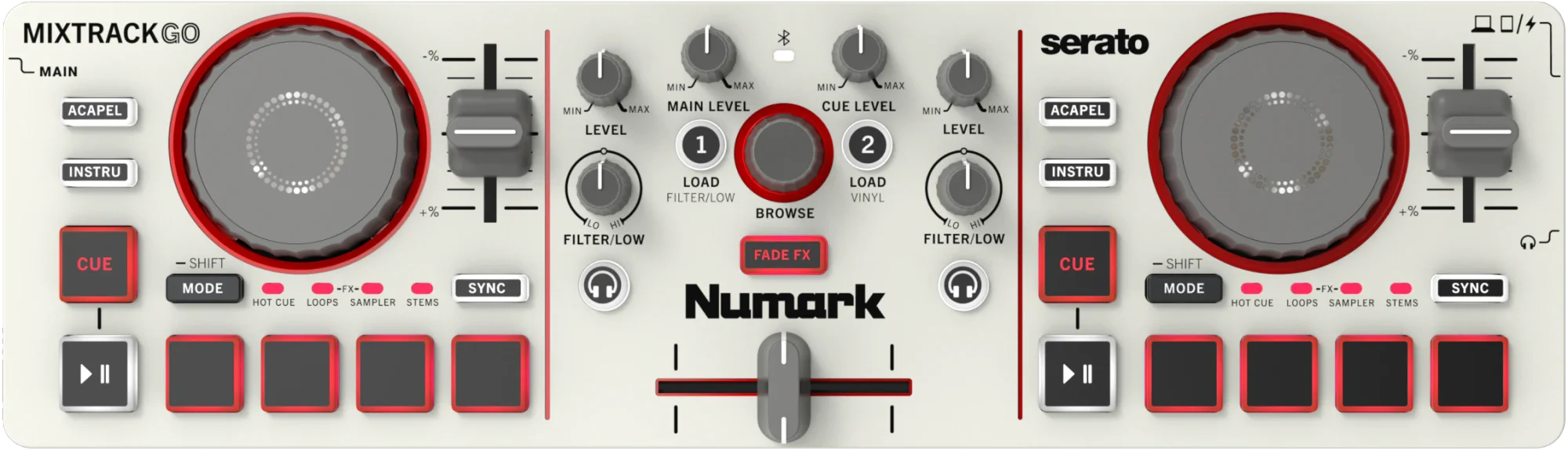
where to buyWith MixTrack Go, the music goes where you go. This ultra-compact controller is built for DJs on the move. With hands-on controls, an intuitive layout, and performance pads for cues, loops, and FX, you can plug in, press play, and keep the mix going in any environment.
STEMS
Take full control with Stems control.
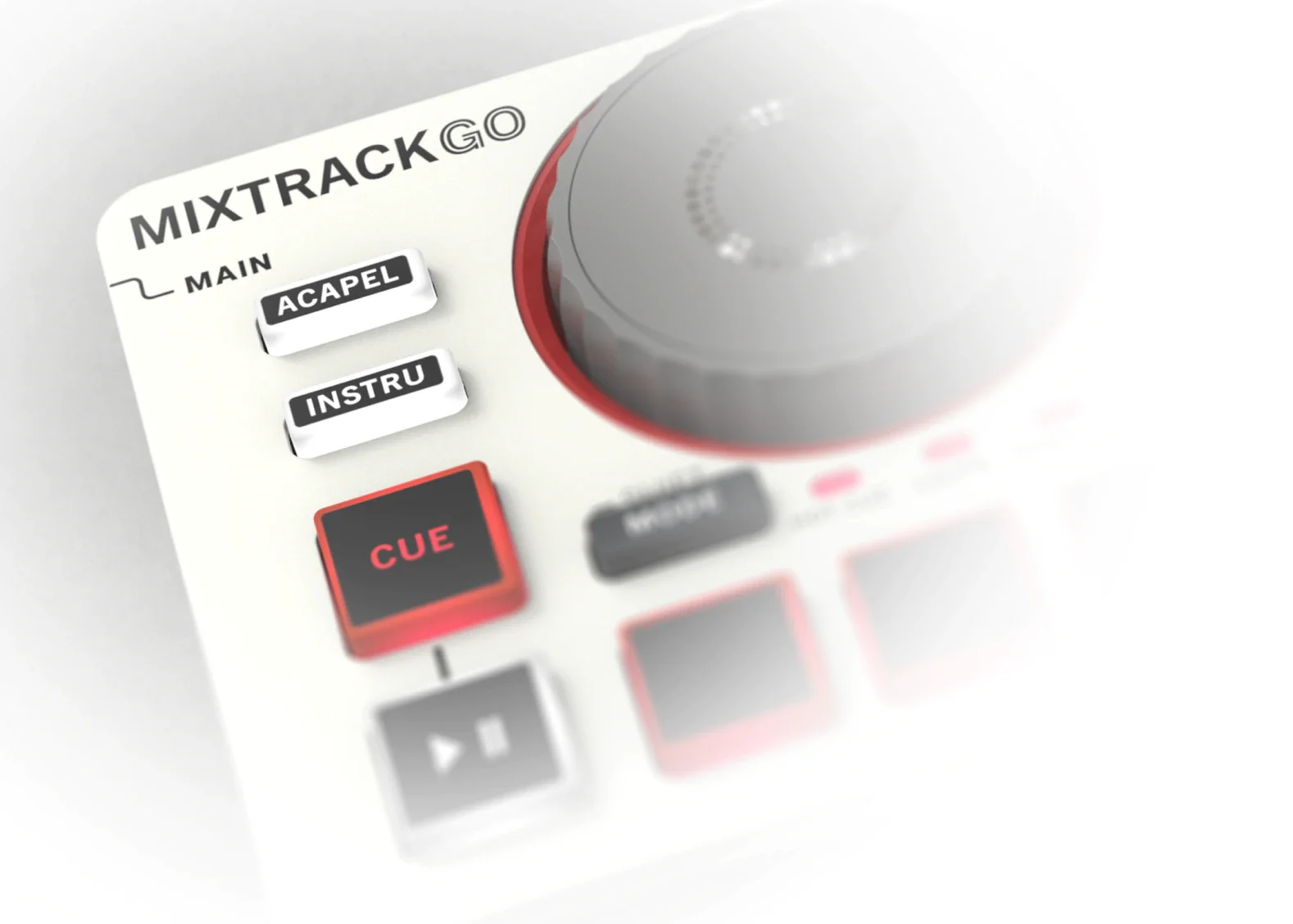
Remixing your favorite tracks has never been simpler. Isolate vocals, drums, bass, or instrumental melodies on the fly. With simple, pad-based Stems control and dedicated Acapella and Instrumental buttons, you can create mashups, switch up arrangements, and shape your sound in real time.

Portability: Take your mixes anywhere. This compact, flexible controller can be powered via USB-C and a laptop or phone, or simply plug it into a USB power block or battery bank.

FX Control: Add energy and movement to your transitions with easy-to-use effects that keep your mixes sounding dynamic without slowing you down.

Bluetooth MIDI Control: DJ wirelessly with Bluetooth control of Algoriddim day on iOS and Android, or connect using the included USB-C cable. MixTrack Go unlocks Algoriddim djay and Serato DJ Lite for free.
GET IN THE MIX
Ready to go with your flow.
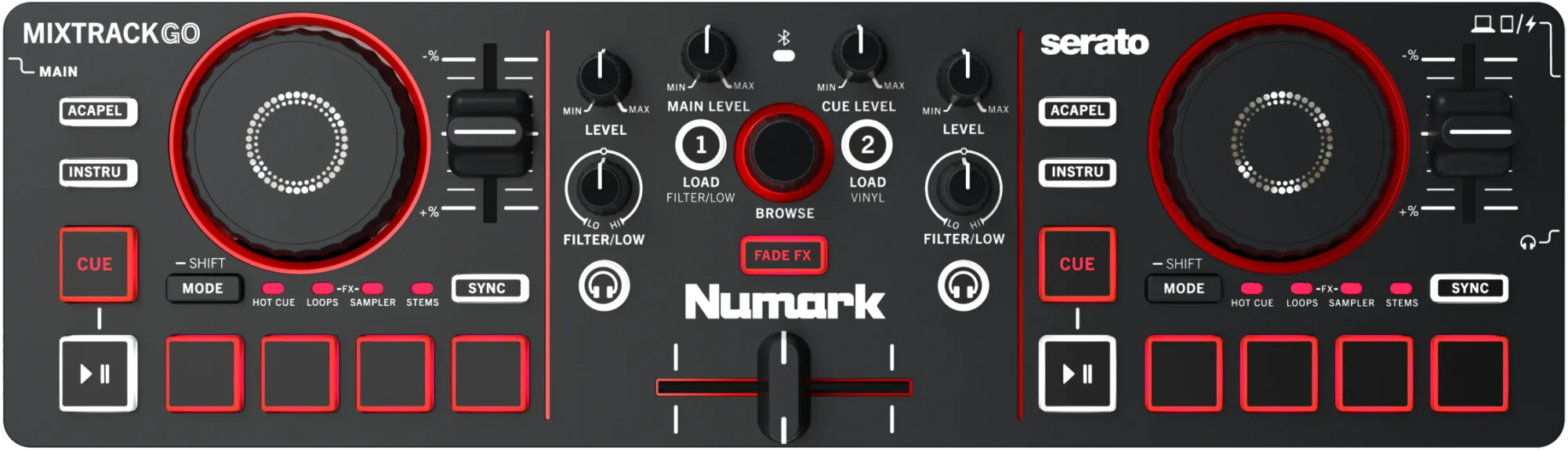
where to buyStart mixing anywhere with a portable, hands-on controller designed to make DJing simple from the start. Shape your sound with two-deck control, responsive jog wheels, and intuitive mixer controls. MixTrack Go’s built-in audio interface lets you preview tracks and lock in every transition. Add Stems control, Fade FX, and performance pads at your fingertips, and you can learn the art of mixing from anywhere.

JOG WHEELS
Feel the energy with
capacitive touch.
Take command of every mix with responsive capacitive touch jog wheels that keep everything moving smooth and on beat. From nudging tracks into place to adding your own creative touches, you’ll stay connected to your music and in control of every transition.

FREE FOR MIXTRACK GO OWNERS
Just got your Mixtrack Go?
Let's mix.
Free video lessons made for your Mixtrack Go. We've teamed up with Crossfader to take you from unboxing to your first proper mix, even if you've never touched decks before. Music's included too, so you've got real tracks to mix from lesson one. No library needed.

COLORWAYS
Your look, your sound, your style — your choice.
where to buyWhenever and wherever you set up and start mixing, MixTrack Go fits right in. Available in your choice of striking black or modern cream finish. Black version now available worldwide. Cream version will be available soon at select retailers.

EFFECTS
The blueprint for building your signature sound starts here.
Keep your mixes fresh with simple, hands-on effects that are easy to control and fun to explore. Add texture, build tension, and bring energy into every transition with dynamic Pad FX, Fade FX, and dual function EQ/Filter knobs.
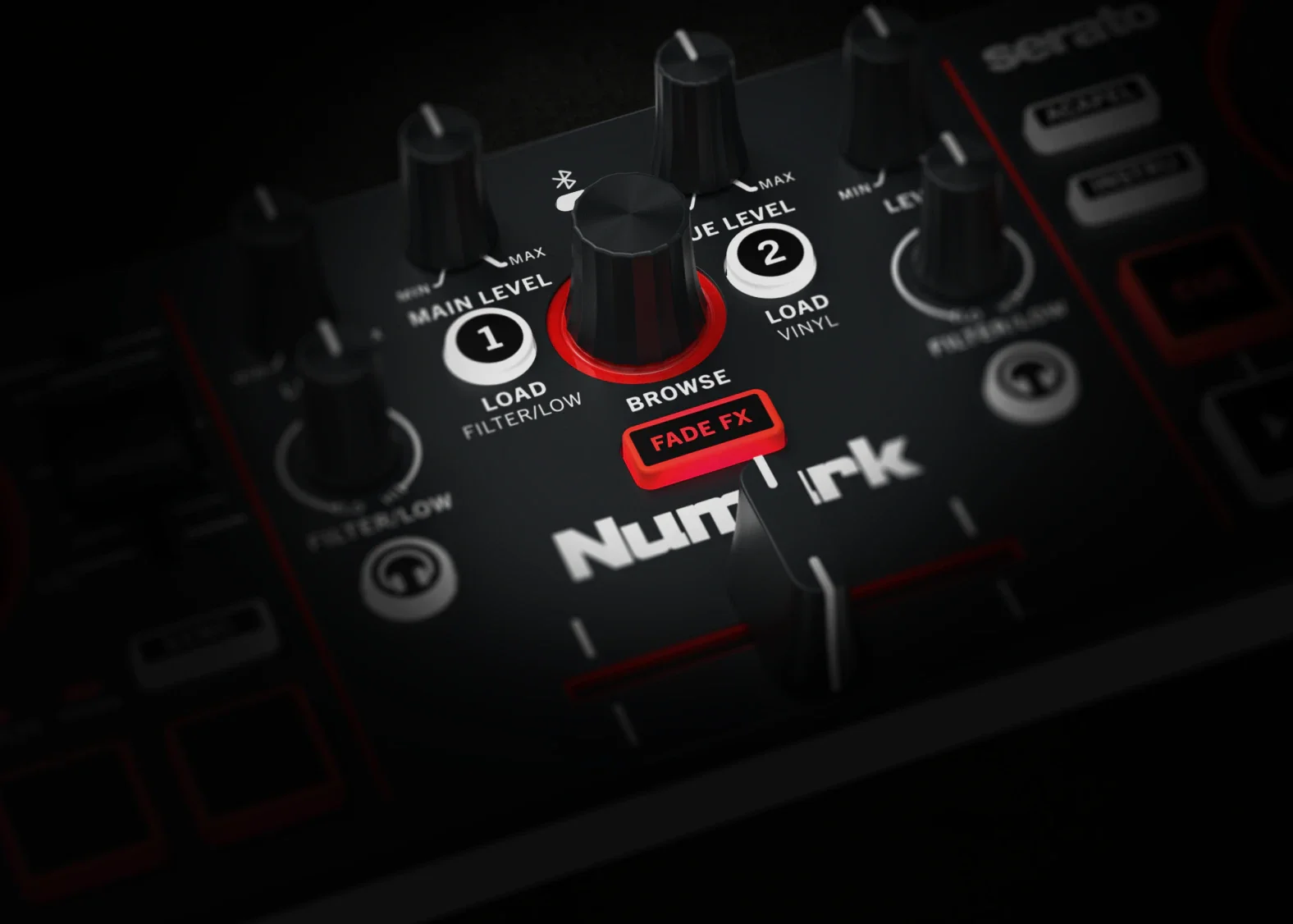

Filter Control: Shape your sound with dedicated Filter knobs on each channel. Sweep highs and lows for smooth transitions, or switch this control to LOW EQ to perform a traditional bass swap when mixing.

Cue & Playback Control: Dedicated Cue and Load buttons for each deck make it easy to preview tracks, reset your starting point, stutter start your track, and drop in at the perfect moment.

Browse & Navigation: Stay focused on your mix with a central Browse knob. Quickly scroll through your library or your current playlist and load tracks with no interruption.

FADE FX
Mix transitions that move you and move with you.
Add motion and energy to every blend with Fade FX, shaping smooth transitions and dynamic drops just by working the crossfader. These simple, expressive effects keep your mixes flowing.
PERFORMANCE PADS
All fun and function. No intimidating under‑the‑hood secrets.
Jump right in with responsive performance pads that make it easy to remix and shape your sound in real time. From quick edits to creative transitions, everything you need is right at your fingertips.
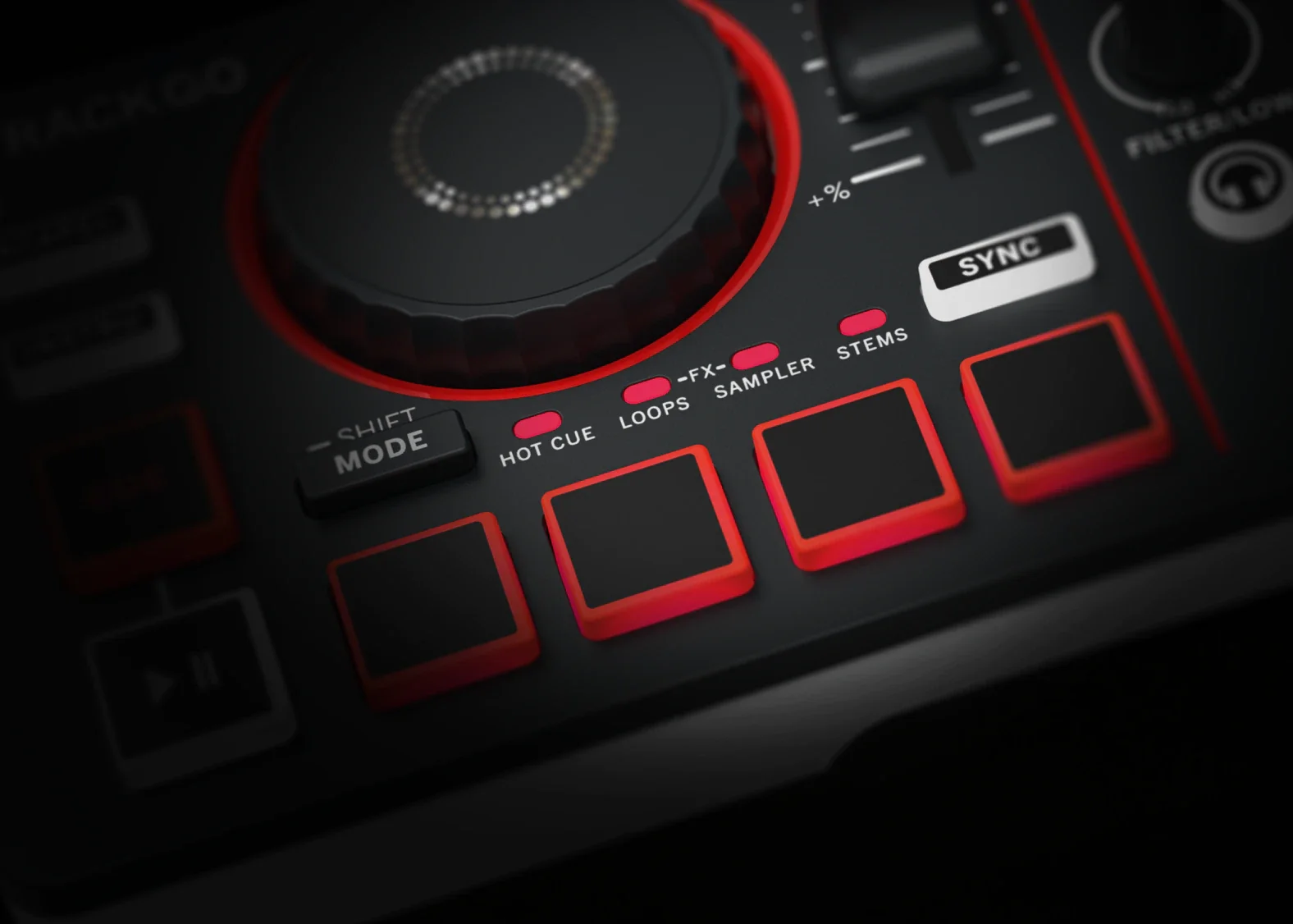

Hot Cue Mode: Set and trigger cue points instantly to jump between sections, rework transitions, or recover on the fly.

Auto Loop Mode: Create tight, perfectly timed loops to extend moments, build energy, or keep things flowing while you line up your next track.

Sampler Mode: Drop in sounds and effects to add personality and keep every mix feeling fresh.

Stems Mode: Break down tracks into individual vocals, drums, bass, and more so you can mix, layer, and experiment in real time.

Pad FX Mode: Get even more creative with your transitions and mixes with a wide range of audio FX available by pressing any of the four performance pads.

Quickly Switch Modes: Jump through different pad modes with a quick tap of the Mode button or long press to access Shift mode to delete Hot Cues and access other features.


COMPATIBILITY
Learn, prep, perfect, and perform on any DJ platform.
Get started with MixTrack Go instantly with plug-and-play support for Algoriddim djay (iOS and Android), djay Pro (Mac and Windows), and Serato DJ Lite (Mac and Windows). Serato DJ Pro and VirtualDJ are also supported (additional license required). Plug in your laptop, tablet, or smartphone and jump right into your set, with the flexibility to play how and where you want.
Frequently Asked Questions
What is the Numark MixTrack Go?

Who is the Numark MixTrack Go designed for?
Can you use MixTrack Go with a smartphone or tablet?
Does MixTrack Go require a laptop?
Does MixTrack Go include built‑in audio outputs?
Can MixTrack Go be used for live DJing and small events?
What feature upgrades does MixTrack Go offer over earlier compact controllers?
Do you need prior DJ experience to use MixTrack Go?
What is Stems control in DJing?
Technical Specifications
User Guide & DownloadsDimensions: 12.76” x 3.66” x 1.56” 324 x 93 x 40 mm
Weight: 1.32 lbs. 0.6 kg
High-Quality Audio: 24-bit / 48 kHz resolution for clear, reliable sound
Wireless MIDI Connectivity: Bluetooth® Low Energy (BLE), compatible with Bluetooth 4.2 and higher
Class-Compliant USB: Plug-and-play connectivity with no driver installation required
Software Compatibility: Serato DJ Lite (included), Algoriddim djay (included), VirtualDJ (license required)
USB Bus-Powered: 5V ⎓ 500 mA — no external power supply required
