Beat Matching
Below is an example of how to mix tracks using Party Mix and your DJ software:
-
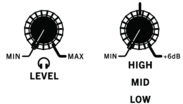
Turn the Level and EQ knobs to the 12 o’clock position.
-
Turn the Browse knob to scroll through your music library.

-
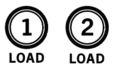
Load tracks with similar BPM to Decks 1 and 2 by pressing the Load 1 and Load 2 buttons.
-
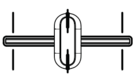
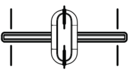
Move the Crossfader on Party Mix all the way to the left to send the audio from Deck 1 to the main outputs.
-
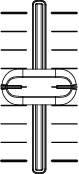
Raise both Channel Volume faders to the top position.
-
Play the track that is loaded on Deck 1.

-
Press the PFL/Cue (headphones) button on Deck 2.

-
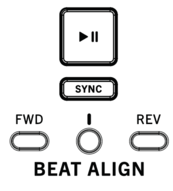
Play the track that is loaded on Deck 2 to preview it in your headphones. Press Sync on Deck 2 to match its BPM with Deck 1.
-
While the track is playing, press the Cue button to return to the beginning of the track.

-
Play the track that is loaded on Deck 2.If manually beat matching, move the wheel forward or backward to align the downbeats of the track with the current track. The Beat Align Center Indicator will illuminate when the beat grid of both decks is aligned.
-
Move the Crossfader toward the right to crossfade from Deck 1 to Deck 2.