Beat Matching
Below is an example of how to mix tracks using MixTrack Go and your DJ software:
-
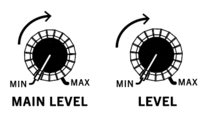
Turn the deck Level knobs to the max position. Adjust the Main Level knob based on your setup to the desired output level.
-
Turn the Browse knob to scroll through your music library.

-
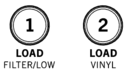
Load tracks with similar BPM to Decks 1 and 2 by pressing the Load 1 and Load 2 buttons.
-
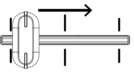
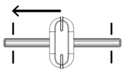
Move the Crossfader on MixTrack Go all the way to the left to send the audio from Deck 1 to the main outputs.
-
Play the track that is loaded on Deck 1.

-
Press the PFL/Cue (headphones) button on Deck 2.

-
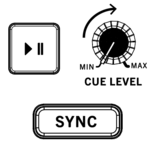
Play the track that is loaded on Deck 2 to preview it in your headphones. Press Sync on Deck 2 to match its BPM with Deck 1.
-
While the track is playing, press the Cue button to return to the beginning of the track.

-
Play the track that is loaded on Deck 2.

If manually beat matching, move the wheel forward or backward to align the downbeats of the track with the current track.
-
Move the Crossfader toward the right to crossfade from Deck 1 to Deck 2.